Ukai
Use these steps to set up Ukai and open it in Aniimo.
#1. Create an account and link your key
- Go to https://shikahub.org/en and create an account.
- Sign in, then link your key to that account.
You need a linked key before you can download the loader.
#2. Download the loader
- Open the downloads page in your dashboard.
- Download the loader and save it somewhere easy to find.
- Open the loader after the download finishes.
#3. Launch Ukai from the loader
- In the loader, select Ukai.
- Click Launch.
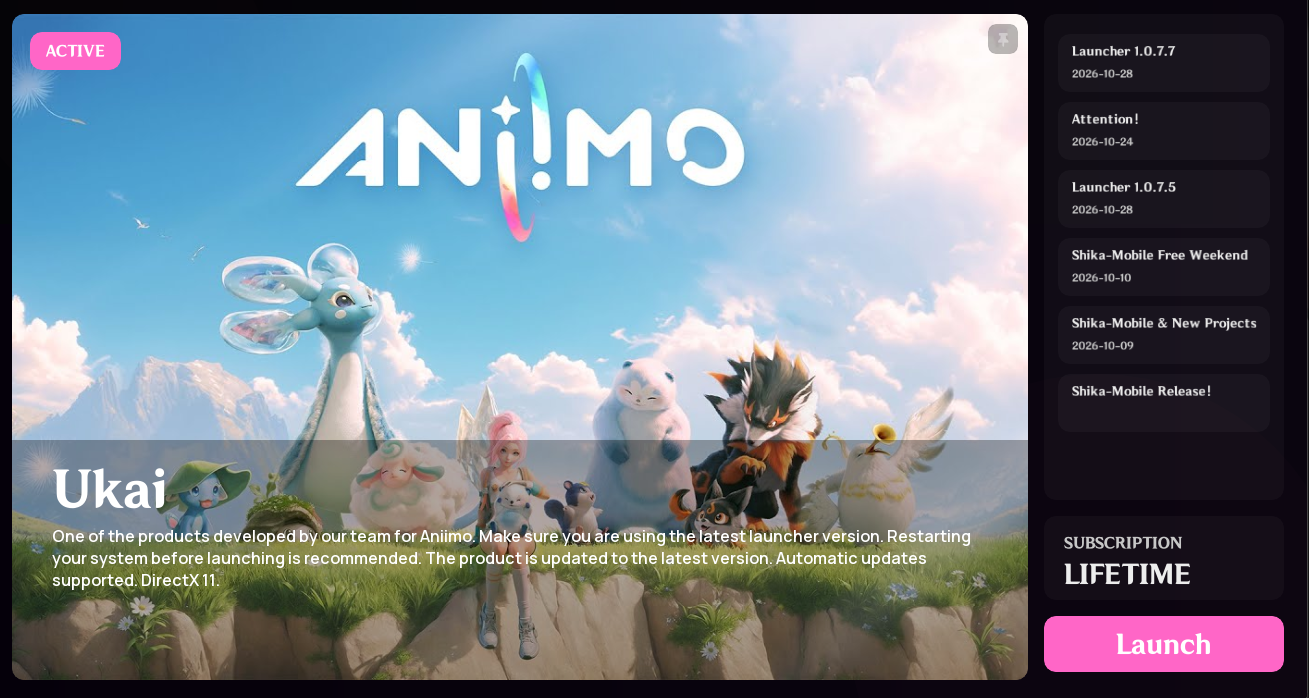
This only starts Ukai. The game will not open by itself.
#4. Open the game and wait for the menu
- Start Aniimo yourself.
- Stay in the game until the Ukai menu appears.
The menu can take a short time to appear. Keep the game open and wait.