Konoka
Follow these steps to set up Konoka for Blue Archive. Complete each step in order.
#Step 1: Download the loader
Download the loader from this link.
#Step 2: Select your product
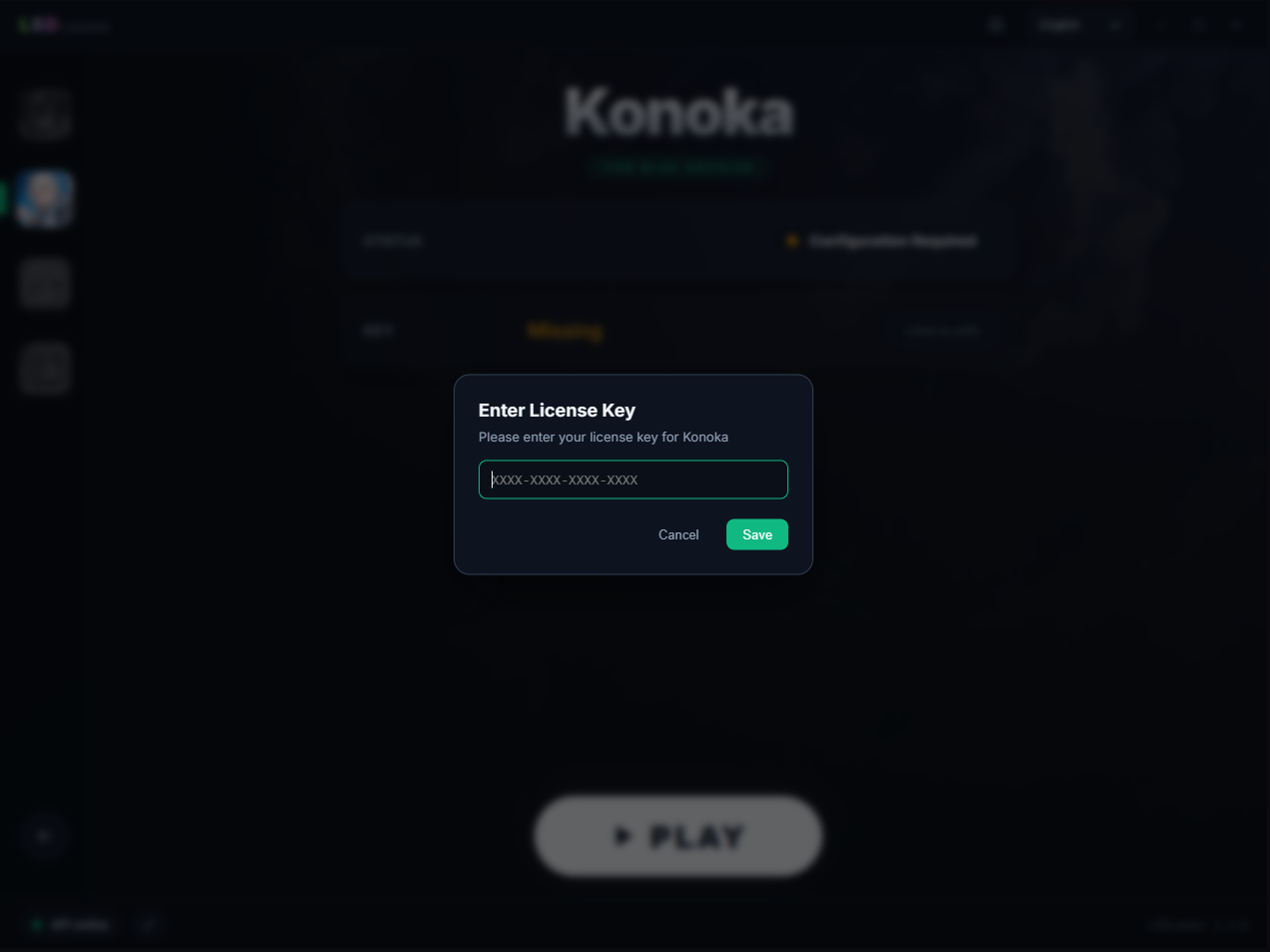
Open the loader, select the product you purchased, and enter your key.
#Step 3: Select the game file
Select the Blue Archive game path. The game file is normally named BlueArchive.exe.
#Step 4: Launch the game
Click Play in the loader, then wait for Blue Archive to launch and the menu to appear.
Press F12 in-game to open or close the menu.