Blue/Black screen / BSOD / PC Crash
Fixing the blue screen issue
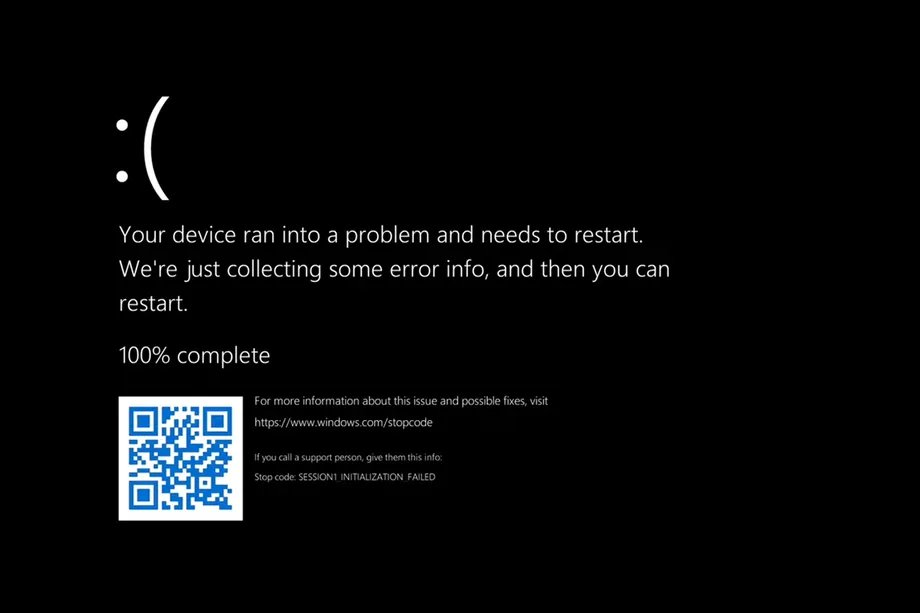
The main factor is a failure during driver initialization. In most cases, this is caused by a conflict with security software or active security features.
Security warning: BSODs can indicate serious driver or hardware problems. Create a restore point and back up important data first. Removing security software or disabling services lowers system protection. Use only trusted software, disable only nonessential third-party services, and restore settings after testing.
#1. Remove conflicting antivirus software
Scan your computer using Antivirus Removal Tool and remove conflicting third-party antivirus software, such as Kaspersky, Avast, Avira, or 360 Total Security.
#2. Disable conflicting gaming software
Completely disable or uninstall mouse- and keyboard-related gaming software, such as Razer Cortex, Razer Synapse, Corsair RGB control, or Armoury Crate.
#3. Open System Configuration
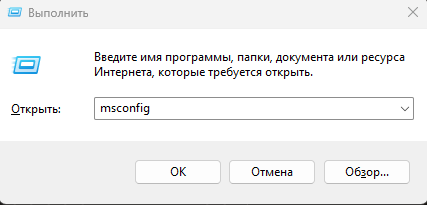
Press Win + R, type msconfig, and press Enter.
#4. Disable third-party services for testing
Open the Services tab, check Hide all Microsoft services, then click Disable all. Restart your system after disabling non-Microsoft services.

After testing, return to msconfig and re-enable required services. If the problem persists, contact Support.