Unable to install exploit driver
Fixing the driver installation error
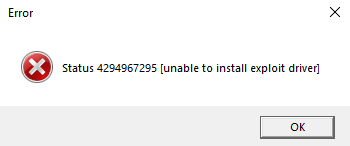
The Unable to install exploit driver error may occur when Windows Exploit Protection blocks the required driver operation.
Security warning: Exploit Protection helps protect Windows from malicious code. Do not disable it unless you trust the software and understand the risk. Prefer changing only a specific program setting, if supported, and restore protection after troubleshooting.
#1. Open Exploit Protection
Open Windows Security and go to Exploit protection.
#2. Review Exploit Protection settings
Review the settings that block the trusted application or driver. Avoid disabling system-wide protections when a per-application exception is available.

Restart Windows and try again. Re-enable any protection temporarily disabled during troubleshooting.